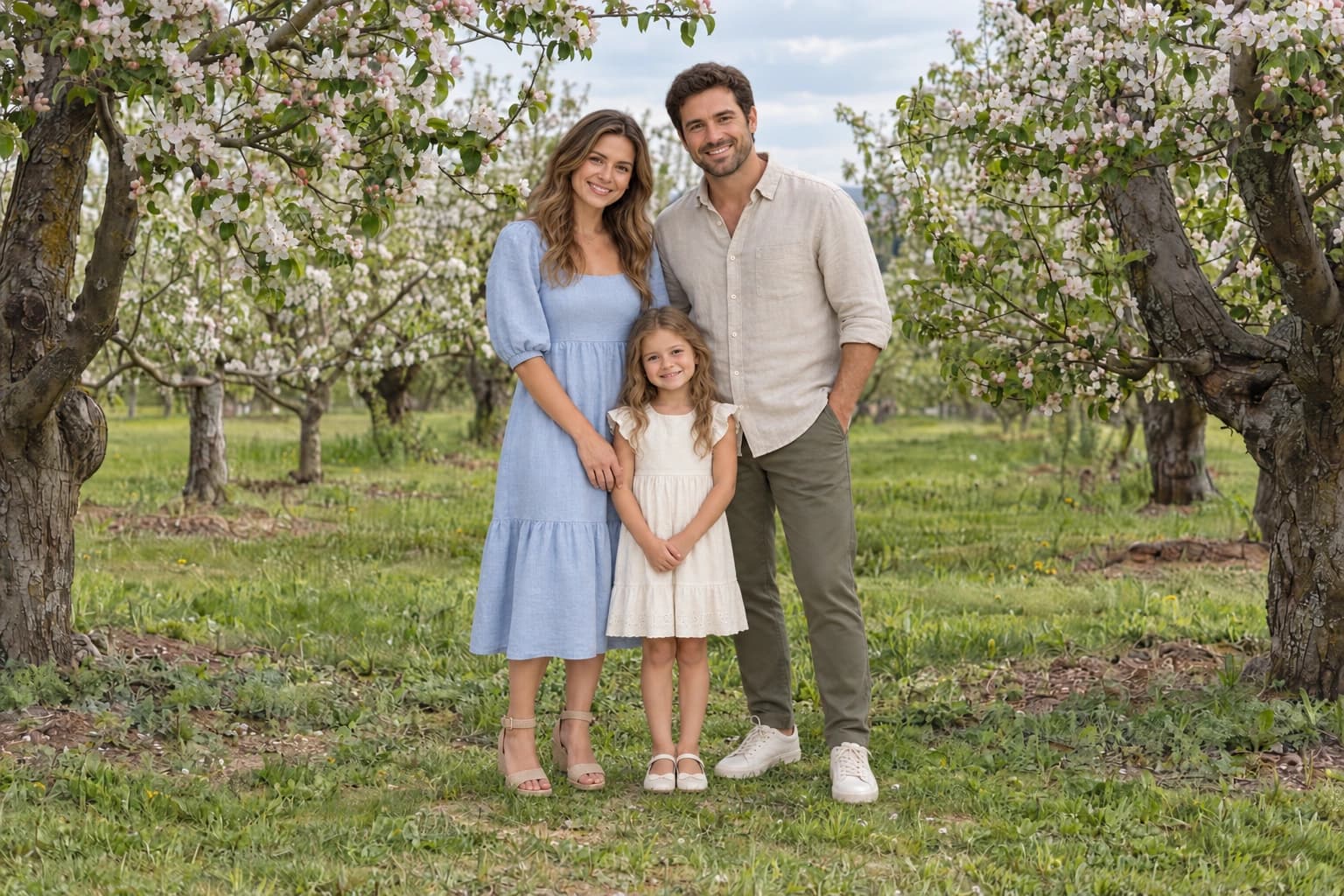
Separate close-up backdrops from full-length scenes
A flat canvas or painted texture is useful behind headshots and tighter portraits because there is no visible floor to reconcile with the person. It supplies colour and surface character while leaving the subject’s pose in control.
A photographic location establishes a camera angle, a ground plane and a direction for the light. For children, family groups and adults, choose a scene with enough clear space for the person or group. Portrait Scenes separates locations from studio textures so you can choose by the kind of portrait.
Match the camera height and view
Look at how much of the subject’s head, shoulders and feet the original camera could see. A portrait photographed from above will not automatically fit a low-viewpoint scene. Resizing the person changes apparent size but does not fix perspective.
Paths, floor lines and the apparent view of surfaces help you judge the scene. A wall or tree line is not automatically the camera horizon. If the match remains implausible, choose another background rather than stretching the person.
Prepare the subject before judging the background
Use a non-destructive subject mask and inspect loose hair, gaps between arms and body, and fine clothing edges. A bright fringe left from the original background can remain visible even when the new scene is perfectly matched.
Preview the mask against a plain light and dark layer. Refine obvious contamination locally. Do not remove every soft hair edge: the photographed focus and depth of field should remain believable. Keep an untouched copy of the subject layer.
Match lighting before adding a shadow
Compare the main highlight and shadow sides of the face with the background’s illumination. A person lit from the right usually looks uncomfortable against a setting with a strong left-side light. A quieter, less directional backdrop offers more flexibility.
Make separate adjustments to the subject and background. Match exposure, white balance and contrast rather than applying a strong global colour grade to conceal the mismatch. You can grade the finished composite once the parts already belong together.
Ground a standing portrait
Place a contact shadow at the feet, following the stance. It should be close and relatively defined where the shoe touches the floor, with any cast shadow extending according to the scene light. A large soft oval under both feet often makes the person float.
For a close-up crop with no visible ground contact, a floor shadow may be unnecessary. Finish by checking subject scale, mask quality and the whole composition at final size. These backgrounds are PNG images; the subject mask and shadow remain part of your edit.
Files for this workflow
Portrait Scenes
Gardens, meadows, woodland and light-filled interiors for children, families and adults, with classic studio textures for a quieter finish.
Explore 29 files · $39