graphics.supply

Light & Atmosphere

Give your photo light and atmosphere.

76 photo overlays · Digital PNG download

Give flat light a direction, separate a subject with mist, or bring a winter portrait to life. Add the atmosphere as a layer and keep control of your photograph.

For any editor with layers, masks & blend modes

$39USD · one-time payment
Buy & downloadPersonal & commercial use · No subscription

In the edit

Light. Depth. A sense of being there.

Choose the atmosphere that supports the photograph: a direction for the light, depth in the trees or movement through the air. The example photos are AI-generated.

Make the air part of the photograph.

A scene can have a strong subject and still need a sense of depth, direction or movement. This toolkit gives you light, fog, smoke and weather as separate layers. Use a single quiet element to support an existing mood, or combine different kinds of atmosphere for a more involved composite.

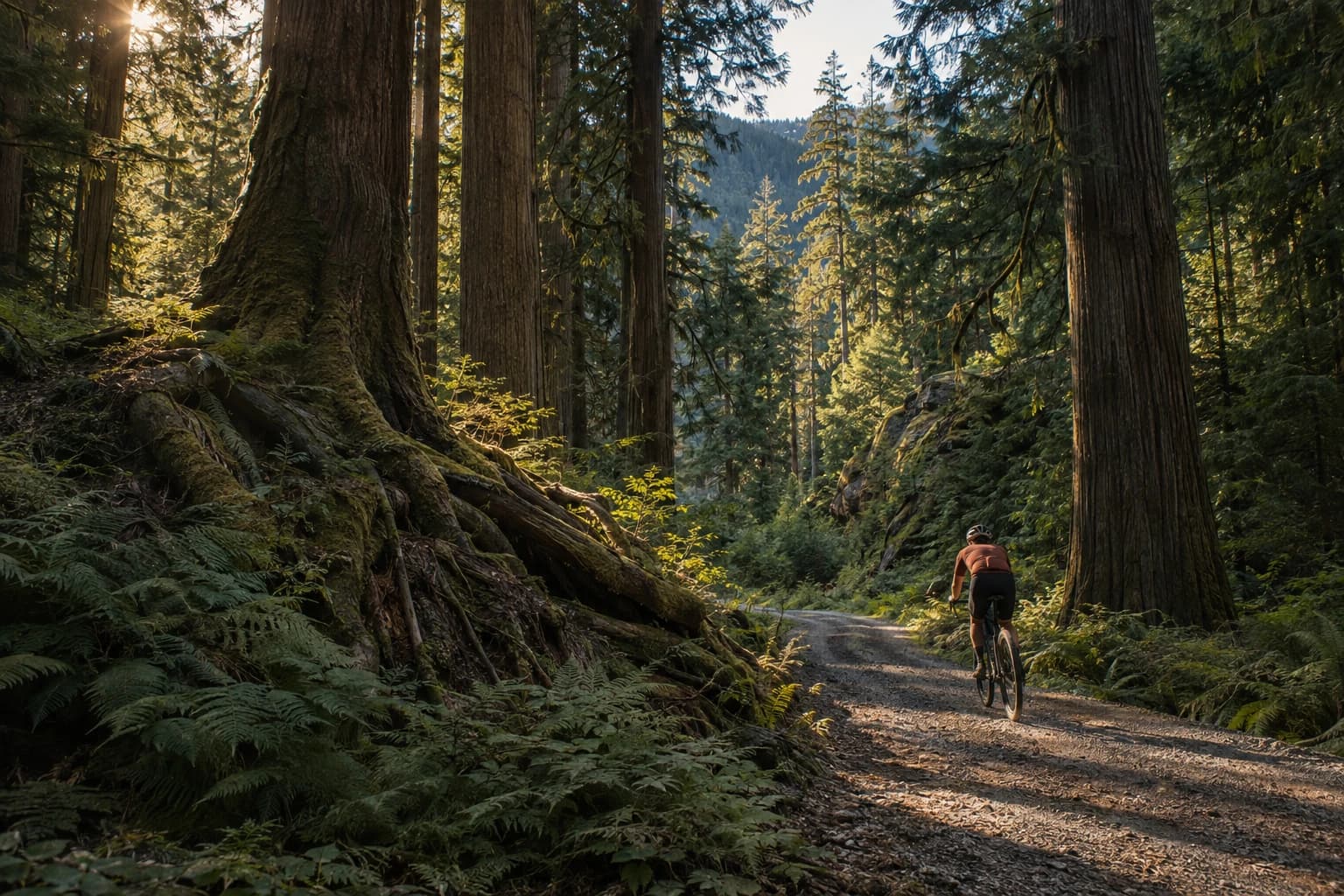
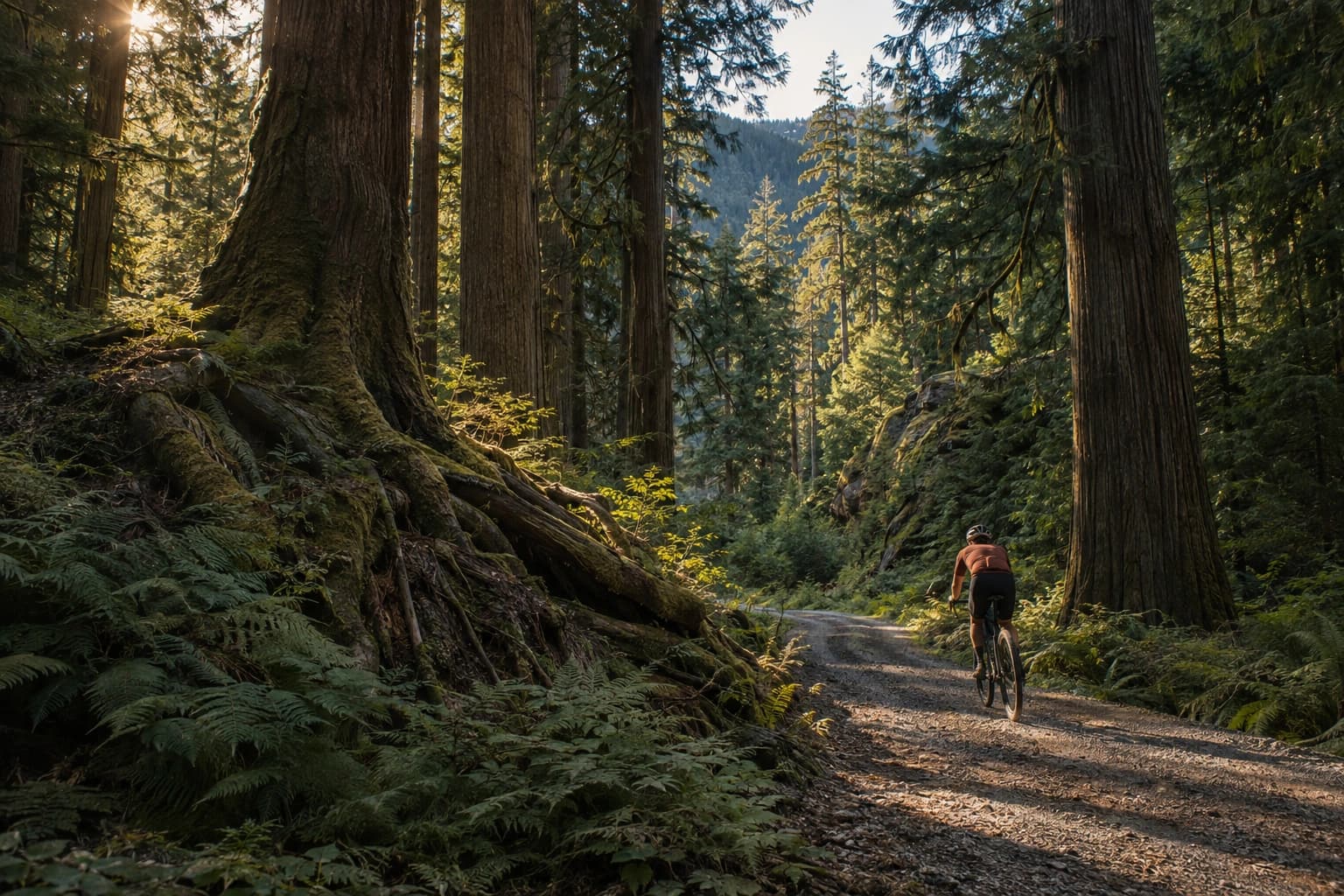
Distant mist: base image
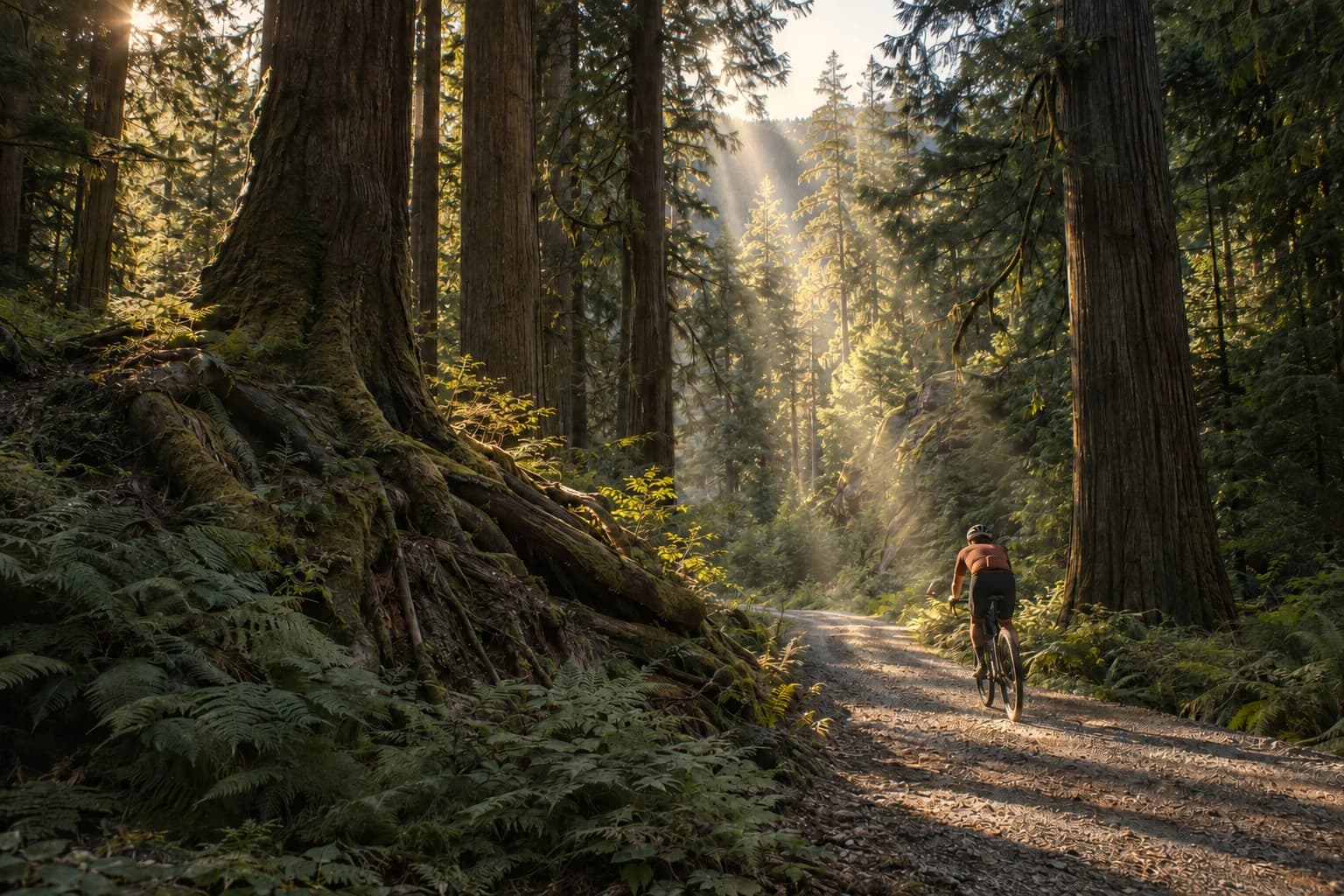
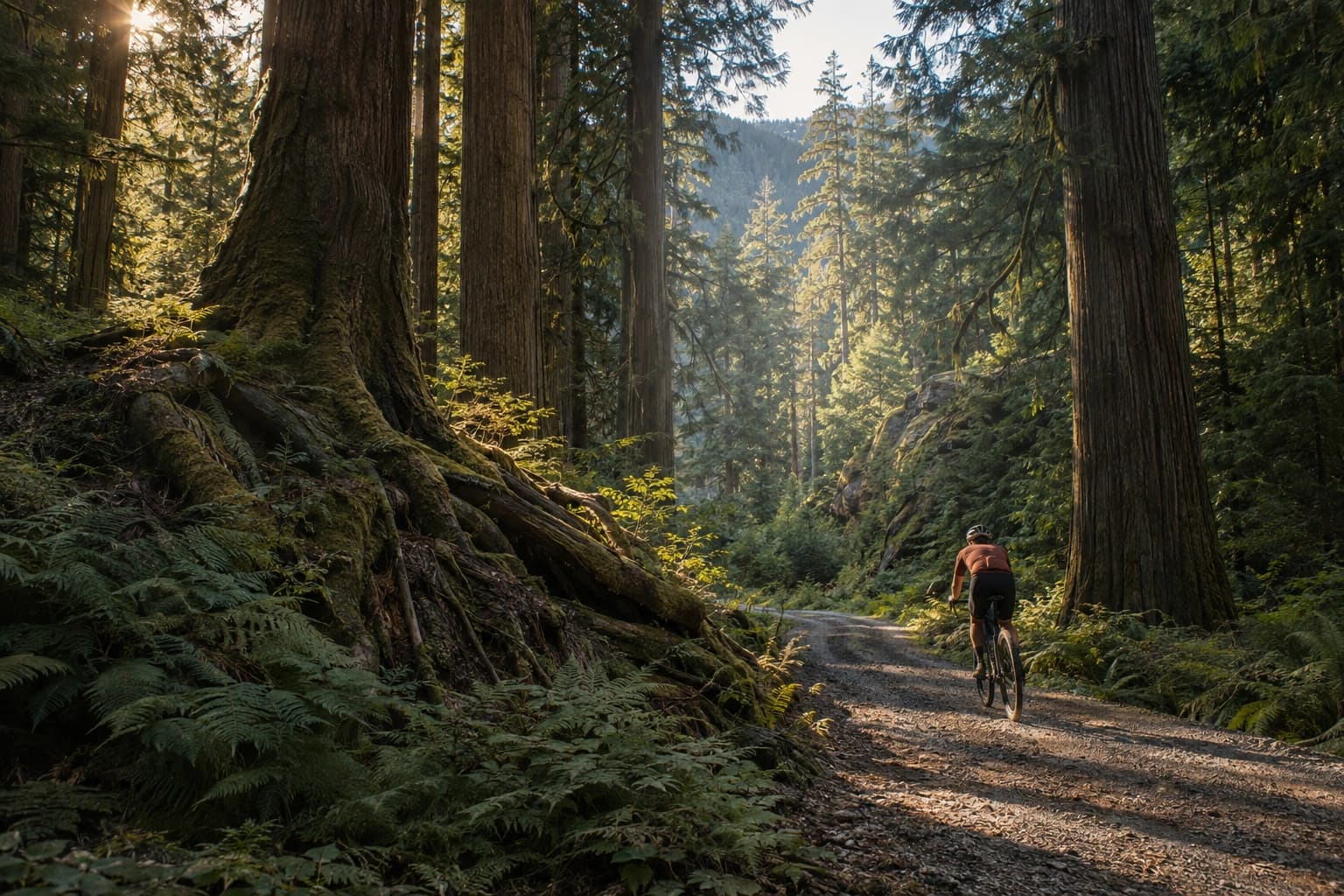
Distant mist: edit made with the included PNG layer
BeforeAfter
Fog · Normal blend + depth mask · Edited with the included PNG

Separate the subject from the distance.

A fine veil in the far trees makes the space behind a rider feel deeper. Shallow ground fog can connect a subject to a landscape, while a near-lens mist gives the edge of the frame a softer foreground. The Fog & Haze folder includes these different placements rather than a single full-frame wash.

Keep the closest details clear and let the mist build farther into the scene. Start with a low opacity and mask the subject back through the layer. This is useful when you want a quieter, more spacious image without changing the photograph’s central subject.
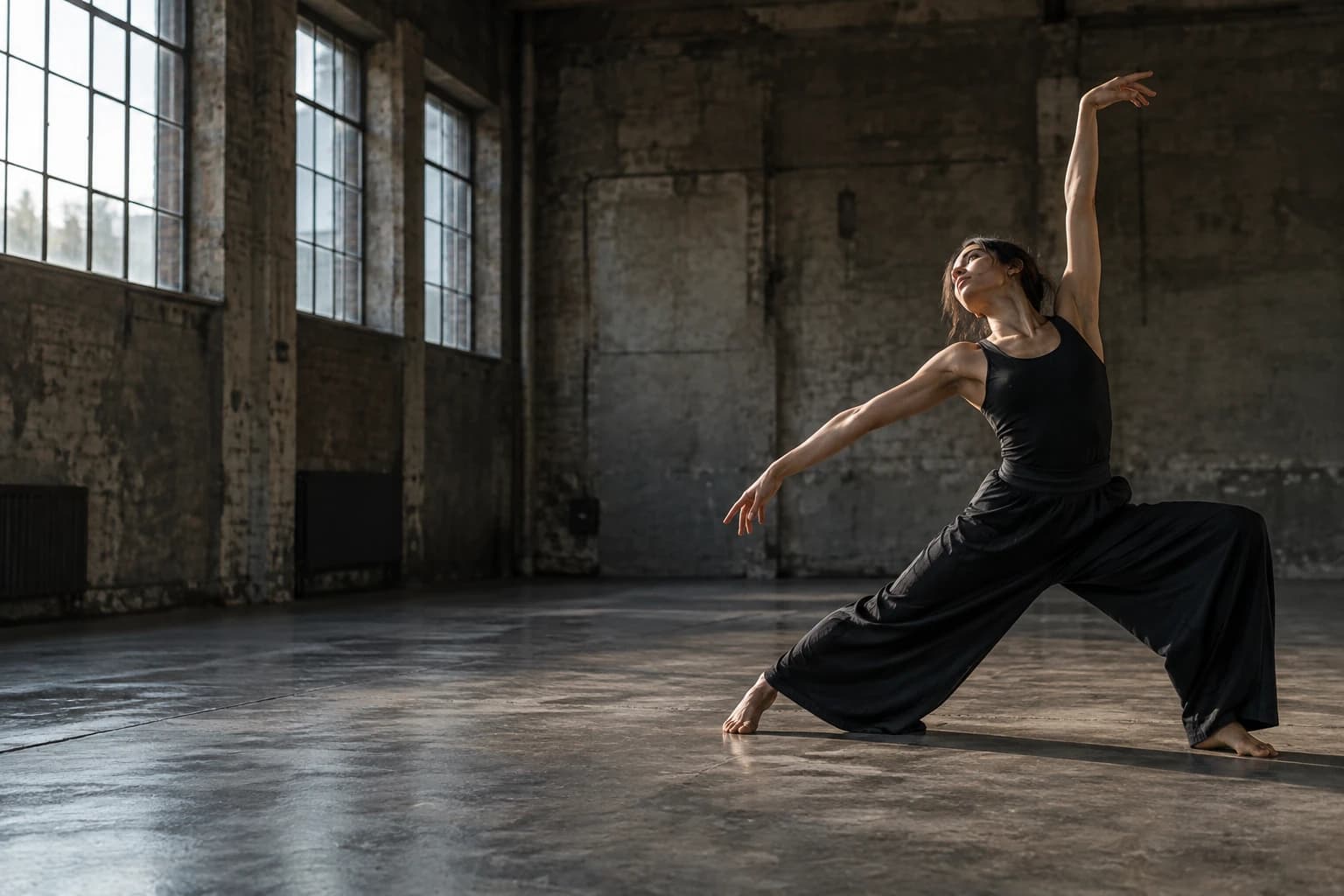
Smoke in motion: base image
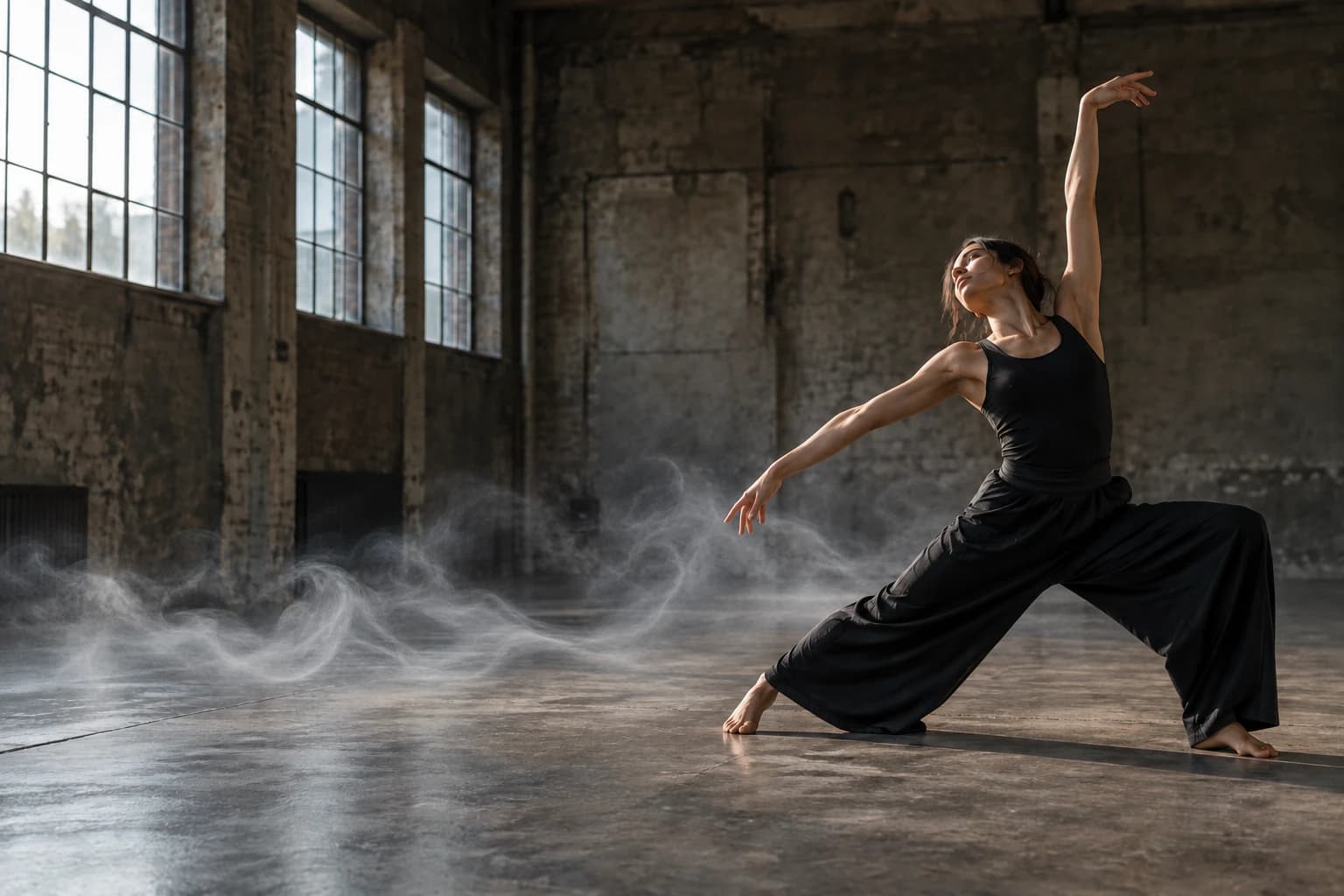
Smoke in motion: AI-assisted example using a collection texture as reference
BeforeAfter
Smoke · Normal blend + mask · AI edit using a PNG reference

Give smoke a place and a reason.

Use a lateral smoke drift to carry a performance across the frame, a rising plume to anchor a small source, or a local steam wisp to make a hot drink feel warm. The collection includes broad drifts as well as smaller details such as breath, incense and cooking steam.

These PNGs retain transparency and sit on a Normal layer. Place the base of the effect at its source, match its size, then mask anything that belongs in front. A subtle colour adjustment helps the smoke pick up the light already present in your image.

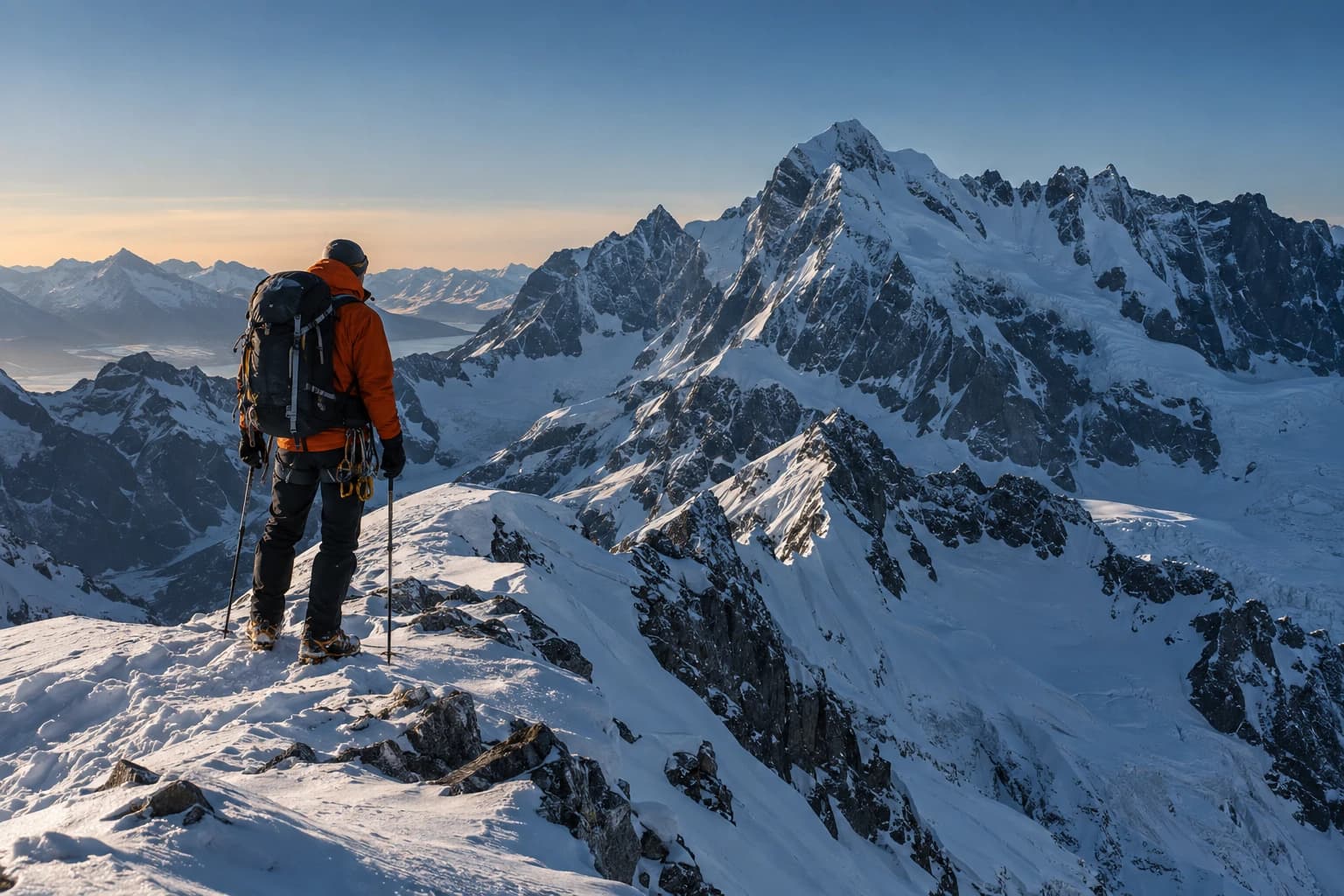
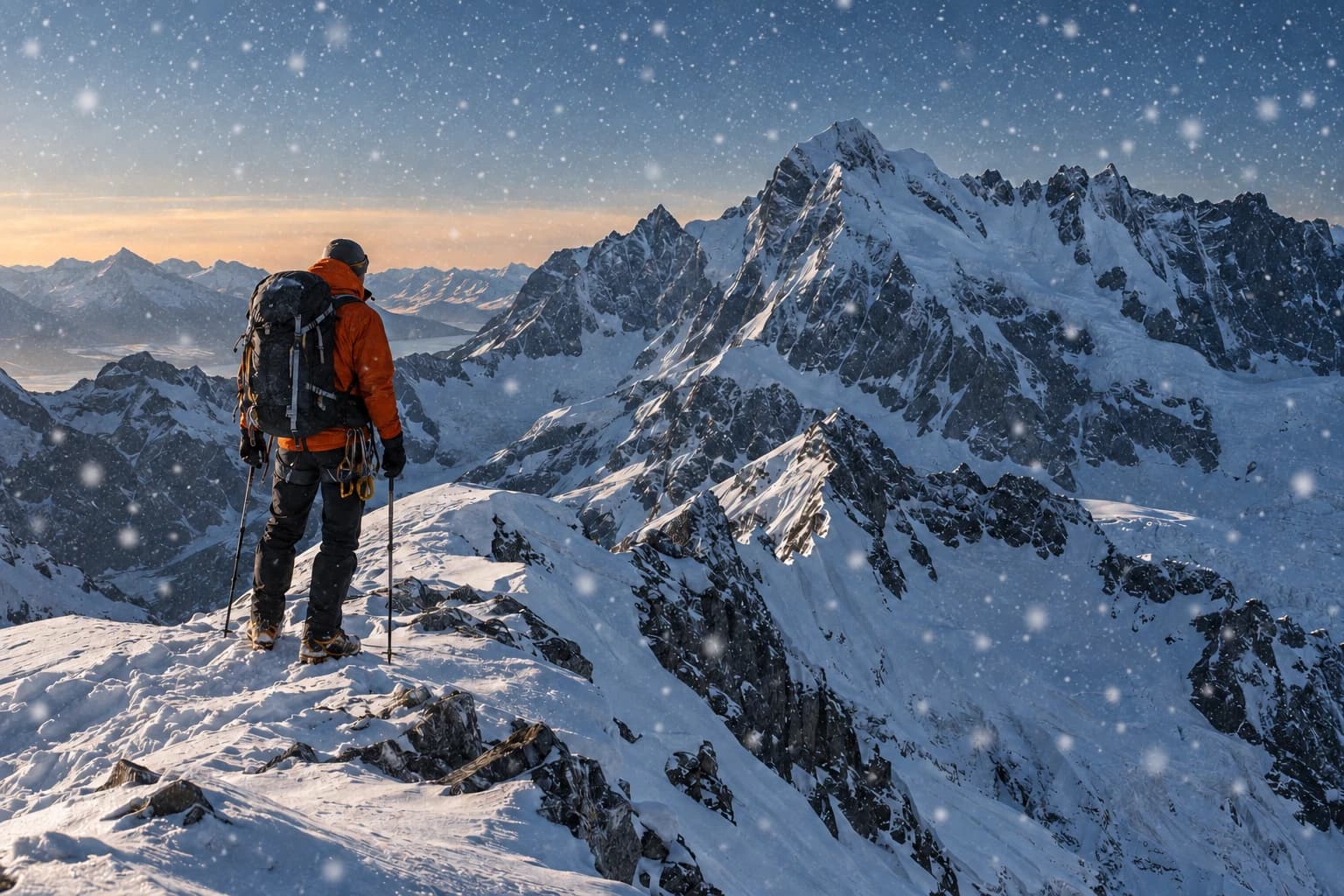
Snow & weather: base image
Snow & weather: AI-assisted example using a collection texture as reference
BeforeAfter
Snow · Normal blend · AI edit using a PNG reference

Build weather with a sense of depth.

Fine distant snow and larger near-camera flakes do different jobs. The same is true of light drizzle, longer rain streaks and soft illuminated dust. Choose the scale that suits the scene, then use more than one layer when you want to separate foreground movement from distant atmosphere.

Match the direction of travel and keep the subject readable. A few particles across the foreground may be enough for an outdoor portrait; a wider landscape can support a more visible treatment. Check the final crop so the weather continues naturally to the edges.

Your download

76 PNGs. Ready for your library.

One ZIP download, approximately 306 MB.

File index, usage notes and personal & commercial licence included.

Natural Light

30 PNGs

Window beams, broken sunlight and soft backlight.

Fog & Haze

18 PNGs

Ground mist, distant haze and soft foreground veils.

Smoke & Steam

11 PNGs

Rising steam, breath, smoke drifts and small wisps.

Dust & Weather

17 PNGs

Snow, rain and airborne details at different depths.

Use the editor you know.

Any editor with PNG layers, masks and blend modes — including Photoshop, Affinity Photo and Photopea.

File dimensions Width × height, in pixels

Landscape
7008 × 4672
Portrait
4672 × 7008
Each file comes in one of these shapes.

Everything in this collection, ready for your next edit.

Place the atmosphere. Shape where it appears.

Use any editor with PNG layers, masks and blend modes. Light and atmosphere stay separate from the photograph, so you can change their position, strength and colour as the edit develops.

Read the full editing guide
  1. Read the scene

    Find the existing light direction and decide what should be near or far. Choose a beam, veil, plume or weather pattern whose shape fits that space; the file index identifies its use and blend mode.

  2. Add your PNG

    Place it above the photograph. Use Screen for light and Normal for transparent fog, smoke and weather. Move, rotate and scale the layer to fit the composition.

  3. Build believable depth

    Use a layer mask to keep the effect behind foreground objects or away from the subject. Adjust opacity and colour, then inspect both the whole frame and the important edges.

For photographs that need atmosphere around the subject.

A useful collection for outdoor portraits, landscapes, automotive photographs, performance imagery and still-life details. It gives you ways to add direction and depth to an image you already have, with effects you can reuse across different projects.

You will get the most from it if you are comfortable moving layers and painting a mask. The PNGs provide the visible light or atmosphere; you still decide how it interacts with the scene. They are still-image overlays, so no weather animation, automatic relighting or base photographs are included.

A few things before you start.

What arrives after checkout?

You receive 76 unique PNG files in organised folders, an English file index, usage notes and a licence. One ZIP download, approximately 306 MB. Open the download link in your order email or Polar customer account, then unzip the files on your computer. The product is a digital download; no physical box is shipped.

What resolution are the files?

Landscape: 7008 × 4672 px. Portrait: 4672 × 7008 px. Dimensions are width × height. Each PNG comes in one orientation; the same image is not repeated in every shape. The included file index gives its exact dimensions. Website previews are smaller than the download files.

How do I use these files?

Open your photo in an editor with PNG layers, masks and blend modes, such as Photoshop, Affinity Photo or Photopea. Add the PNG as a layer above it. Use Screen for light, or Normal for transparent atmosphere and weather. Adjust opacity and mask your subject where needed. Basic layer and masking skills are enough to get started.

Open the editing guide
Can I use the files for paid client work?

Yes. The included licence covers personal and commercial composites, including flattened client deliverables, social content and advertising. Keep the source PNGs in your own working library; do not redistribute or resell them, including in templates where they can be extracted.

Read the full licence
Are these photos, presets or image layers?

These are PNG image layers made from AI-generated sources and prepared for compositing. Example photographs, editing software, brushes and one-click presets are not part of this download. The base photographs in the examples are AI-generated. Some edits apply the included PNG layers directly; others use the materials as references for an AI-assisted edit. They illustrate possible uses; the download contains the PNG layers, not these finished photographs.

Do I need Full Library?

Light & Atmosphere is a complete, standalone collection. You can use every file in this pack without buying anything else from graphics.supply. Full Library is an option if you also want the other collections; it costs $69 in total.

Where do I get help or find my download?

Use the access link in your order email or open Your downloads from the footer. If you need help, email hello@graphics.supply with your order reference and, for a file issue, the filename and your editor.

What if I have a problem with my purchase?

Contact hello@graphics.supply with your order reference. We can help with missing downloads, damaged files or duplicate purchases. The refund policy explains the conditions that apply to digital downloads.

Read the refund policy

Light & Atmosphere

Give your next photograph a little more atmosphere.

76 PNGs with a file index and usage notes. Download once, make them part of the way you edit.

$39USD · one-time payment
Buy & downloadPersonal & commercial use · No subscription

Secure checkout with Polar. Download help · Refund policy